
Free Picture Hosting Is Handy, but It Has Limits
Sometimes you just need a picture to live somewhere online. Maybe you want to share a photo in a forum post, link an image from a blog, or keep a set of product shots that you can reuse across several pages. Free picture hosting services promise a simple answer: upload the file, copy a link, and move on.
That simplicity is real, but free image hosting comes with trade-offs. Links can break, images can be removed, and some services show ads or compress files heavily. This guide explains what free picture hosting does well, where it falls short, and how to choose a safe option.
What Free Picture Hosting Actually Does
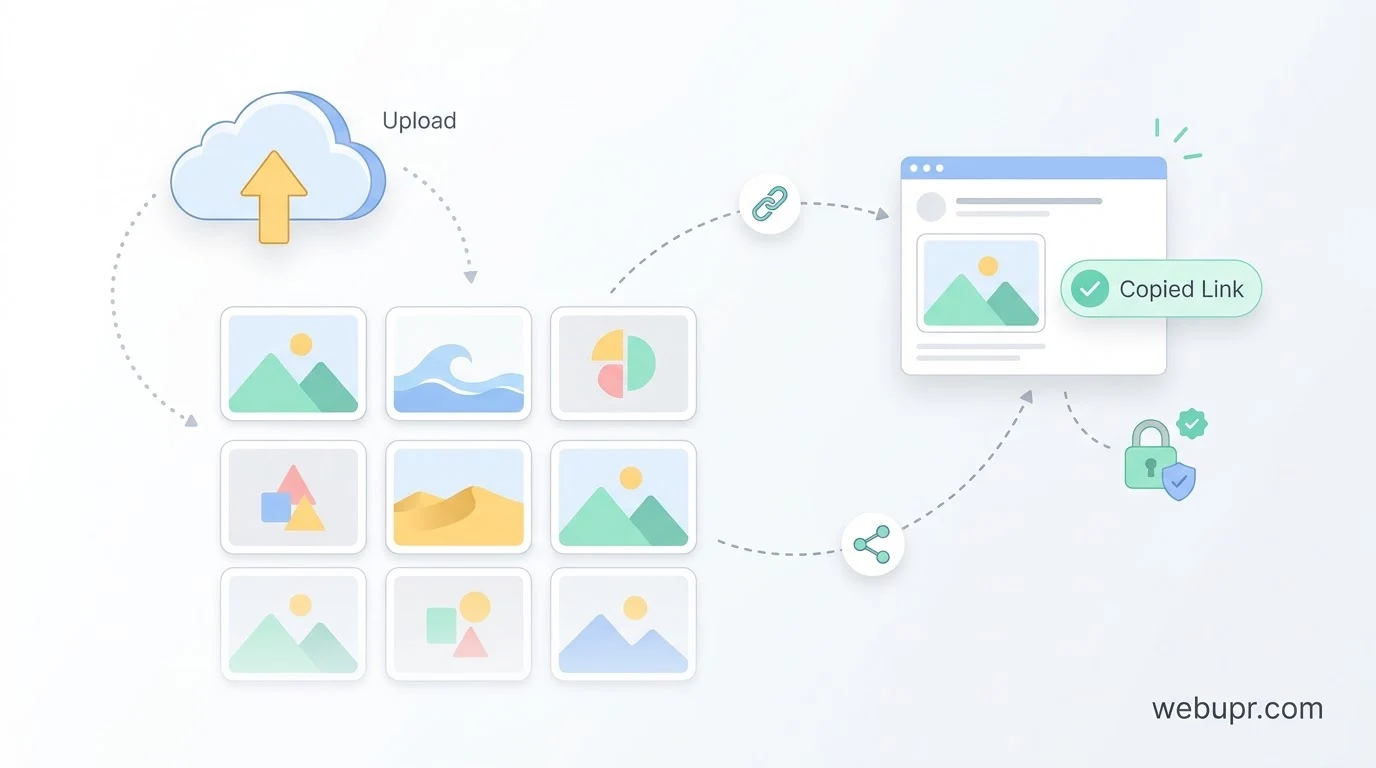
A picture hosting service stores your image on its own servers and gives you a direct link to it. When someone opens the link, the image loads from that service. You do not need your own website or server to do this.
That is useful for quick sharing, but it also means the picture depends on someone else staying online and keeping the file. If the service removes the image or closes down, the link stops working.
When Free Picture Hosting Makes Sense
Free picture hosting suits casual use. You might share a photo in a community forum, post an image in a discussion thread, or send a link to a friend. It also works for testing, or for a temporary image that will only be needed for a short time.
If you are a student or a hobbyist, it can be a quick way to share work without paying for storage. Just do not rely on it for anything you cannot afford to lose.
When You Should Host Pictures Yourself
If the pictures matter to your website, host them there. A business, portfolio, or blog that depends on images should keep its own copies. That way the links stay under your control, and you are not at the mercy of a free service changing its rules.
Our guide on best hosting for a portfolio website explains what photo heavy sites need from a host, including storage and speed.
Check the File Size and Quality Limits
Many free services compress uploads or limit the file size. That can make a sharp photo look soft, or stop a large file from uploading at all. Check the limits before you rely on a service, and test a sample image at the size you need.
If quality matters, export a web sized version rather than the full resolution original, and keep the original on your own computer.
Watch Out for Ads and Privacy
Some free image hosts show adverts around your pictures or use the uploads to train their systems. Read the terms before you upload anything personal. Avoid uploading private photos, identity documents, or anything you would not want public.
A link to a picture is usually public to anyone who has it, even if the page itself is not listed anywhere. Treat every upload as if it could be seen by anyone.
Speed and Reliability
Free services can be slow at busy times, especially when a popular image is shared widely. If your picture loads slowly in a post, the problem is often the image host rather than your site. Test the link from a few different locations before you publish.
Using Pictures on Your Own Website
If you have a website, the cleanest approach is to upload pictures to your own media library and link to them from there. You control the file, the size, and the link. Compress images before uploading, and use descriptive file names and alt text to help both visitors and search engines.
Our article on best hosting for small websites covers the basics of choosing a plan with enough storage for images and other media.
Protecting Pictures From Hotlinking
Hotlinking happens when another site loads your image directly from your server, which uses your bandwidth. If you host images yourself, check whether your host offers hotlink protection, and consider a CDN in front of your site. Our guide on Cloudflare web hosting explains how a CDN can help with speed and protection.
Free Options for a Simple Site
If you want a free home for a small site with a few pictures, a free static site host can work well. Our guide on free hosting with a custom domain covers the platforms worth considering and their limits.
A Simple Checklist
Decide whether the picture needs to last. Check the file size and quality limits. Read the privacy and ad terms. Avoid uploading anything personal or sensitive. Keep the original file on your own computer. For a website, host important images yourself and check hotlink protection. Test the link from a few places before you share it.
The Bottom Line
Free picture hosting is handy for quick sharing, but it is not a reliable home for images that matter. Use it for casual links, keep important pictures on your own site, and check the terms before uploading anything private.
For official information on managing photos and sharing them safely, visit the Google Photos Help Centre.