
Small Websites Need Simple Hosting, Not Expensive Hosting
A small website might be a local plumber, a family bakery, a freelance designer, or a club that wants a page people can find. The site does not need a server built for millions of visitors. It needs to be online, load quickly, and be easy to update when something changes.
That makes choosing hosting less complicated than it looks. You do not need the biggest plan or the cheapest one. You need the right balance of reliability, support, and simplicity for a site that is small but matters to you.
Start With What Your Site Actually Does
Write down what the site needs to do. Is it a brochure page with a contact form? A blog you update once a week? A simple shop with a few products? Each of these needs slightly different hosting, but none of them needs the heaviest plans on the market.
A clear list makes comparing providers far easier. You can quickly tell which features matter and which are marketing noise.
The Basics Every Small Site Needs
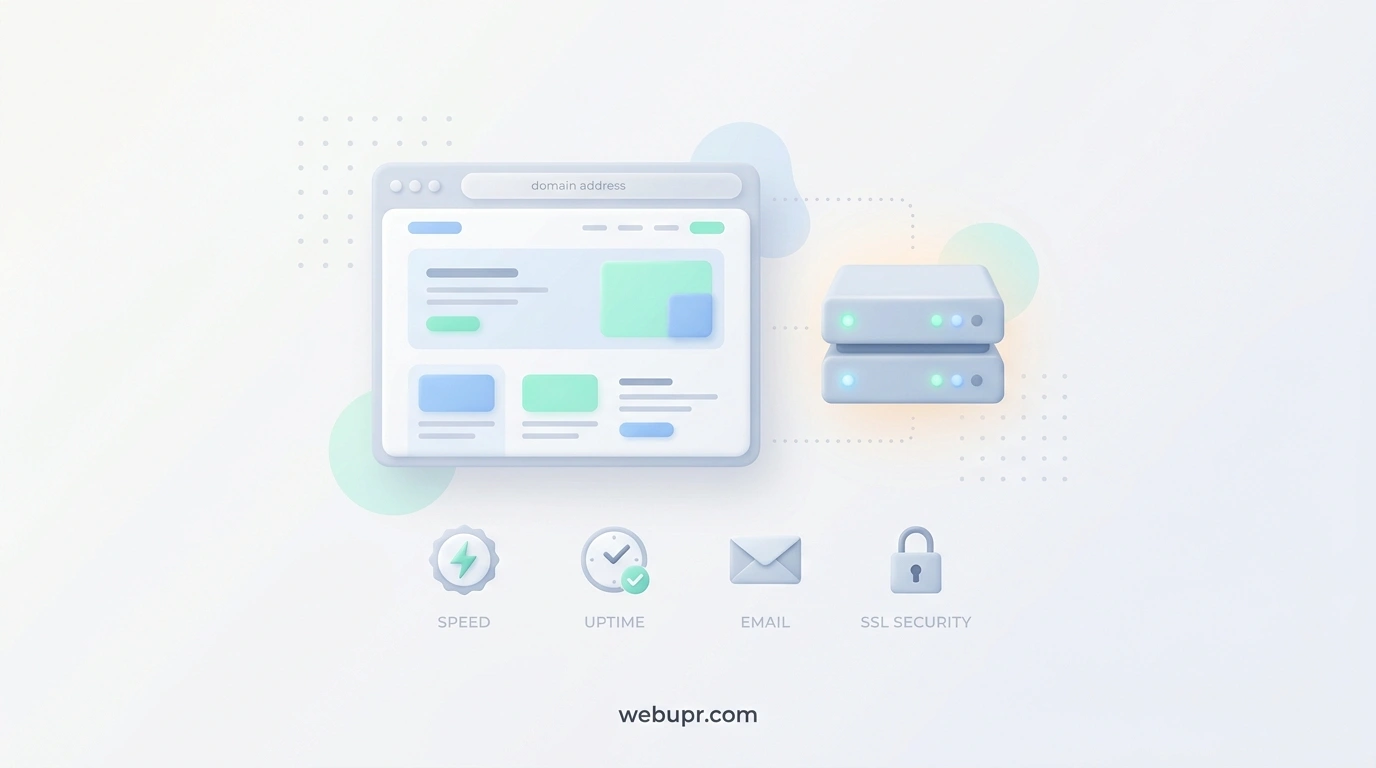
Every small website needs a few things to work properly. It needs a reliable server that stays online most of the time. It needs a free SSL certificate so the site loads over HTTPS. It needs a control panel that is simple to use. And it needs backups in case something goes wrong.
If a plan is missing any of these, look elsewhere. These basics matter far more than a long list of extras you will never touch.
Shared Hosting Is Usually Enough
For most small websites, shared hosting is the sensible starting point. The provider manages the server, and your site shares resources with others. That is perfectly fine for a site with modest traffic.
If you want a deeper look at how shared and cloud hosting differ, our article on shared hosting vs cloud hosting explains when each one makes sense.
Look at Uptime and Support, Not Just Price
A cheap plan that goes offline is no bargain. Look for clear uptime promises and a support team that answers real questions. A quick pre-sales question is a useful test. If the reply is slow or vague, expect the same when something breaks.
Support matters most when you are not technical. A friendly human who can walk you through a problem is worth far more than a long list of features you cannot use.
Speed Still Matters for Small Sites
Even a small site should load quickly. Visitors leave pages that feel slow, and search engines take speed into account. Test your site after setup with Google PageSpeed Insights, and pay attention to image sizes and server response time.
Simple habits help a lot. Compress images, avoid piling on plugins, and keep the theme lean. A well built small site on a basic plan often outperforms a bloated site on an expensive one.
Email on Your Own Domain
Many small businesses want an address like info at their own domain. Check whether the plan includes email accounts, how many you get, and whether they are easy to set up on a phone. If email is extra, factor that into the monthly cost.
Backups You Can Actually Restore
Small sites still need backups. Check whether the host backs up automatically, how often, and how far back you can go. Find out whether you can restore a backup yourself. A backup you cannot restore is not much comfort on a bad day.
Keep WordPress Simple if You Use It
Many small sites run on WordPress, which is a good choice for most people. Keep the number of plugins low, update the core software and themes regularly, and remove anything you no longer use. You can learn more about the platform on the official WordPress website.
If your site is a portfolio rather than a brochure, our guide on best hosting for a portfolio website covers the extra things that matter for image heavy pages.
Compare Providers Honestly
Start with a short list of three providers. Compare the basic plans on price, renewal rate, uptime promise, support options, backups, and email. Look at reviews, but read the detailed ones rather than the star ratings alone.
For a quick look at a budget option, our article on Stellar web hosting shows what to check before you sign up for a basic plan. For a side by side comparison of two popular budget hosts, see our guide to Hostinger vs Namecheap.
Check the Renewal Price
The first year price is often the lowest you will pay. Look at what the plan costs when it renews, and budget for that. A small site is a long term commitment, so the renewal figure matters more than the introductory offer.
Test Before You Commit
Most providers offer a money back window or a short trial. Use it. Build a simple test page, check the speed, send a few emails, and try the control panel. Ten minutes of testing will tell you more than any marketing page.
When to Move Up
You may need a bigger plan when your traffic grows steadily, your site slows during busy periods, or you start running an online shop with many transactions. Decide your trigger in advance, so you upgrade calmly rather than in a rush.
A Simple Checklist
Write down what your site needs to do. Confirm uptime, SSL, control panel, support, and backups are included. Check email and the renewal price. Test the speed and the control panel with a trial. Choose the simplest plan that meets those needs and make a note of when you will review it.
The Bottom Line
The best hosting for a small website is the one that stays online, loads quickly, offers backups you can restore, and has support that answers clearly. You do not need the biggest plan. You need a sensible one from a provider you trust, with a renewal price you can afford for years.
Choose with that in mind, test before you commit, and your small site can get on with the job of being found.