Student Discounts Are Useful, but Read the Small Print First
Students and new website owners are often looking for the same thing: a cheap way to get a site online without a steep bill. Bluehost is one of the names that comes up when people search for student hosting discounts, and it is easy to see why. A lower introductory price can make starting a site feel much more manageable.
The catch is that discounts come with conditions. Eligibility rules, renewal prices, and included features can change, so the smartest move is to check the details carefully before you pay. This guide explains how to think about a student hosting offer, what to compare, and how to tell whether the saving is real.
What a Student Discount Usually Means
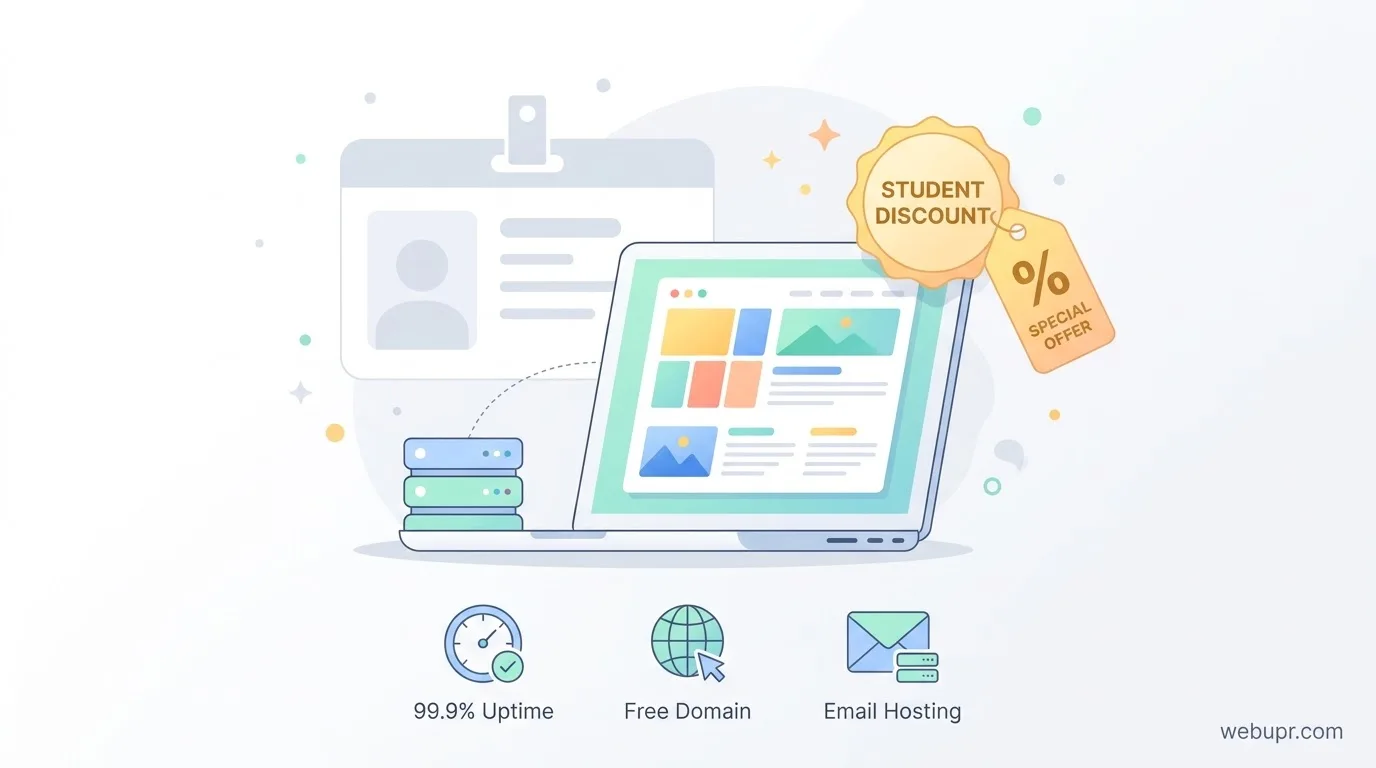
A student discount typically lowers the price of a basic plan for a set period, often the first term or first year. Some offers require proof of student status, while others are open to anyone who signs up through a specific page. Read the terms to see which group the offer applies to.
Remember that the discount is usually on the introductory price. The renewal price is what you will pay for years to come, so it deserves as much attention as the headline figure.
Check the Renewal Price Before You Sign Up
This is the most common trap with any budget hosting offer. A plan that costs very little in the first year can rise sharply when it renews. Before you enter payment details, find the regular renewal price for the plan you want and write it down. Then compare that figure with other providers, not just the discounted one.
If you plan to keep the site for several years, the renewal price matters far more than the first payment.
Look at What the Plan Includes
A cheap plan is only good value if it covers what you need. For a student project, a portfolio, or a small personal site, look for the basics: a free SSL certificate, a control panel that is easy to use, enough storage for your files, and backups you can restore.
Check whether a domain name is included, and for how long. Some offers give a free domain for the first year only, which means renewal costs can creep up later.
Email and Extras
If you want an address on your own domain, check whether email accounts are included and how many you get. Many budget plans leave email out or charge extra for it. A professional email address can make a big difference when you apply for internships, freelance work, or a first job.
Be wary of add-ons that sound useful but are not needed. Most student sites do not need premium security bundles or advanced marketing tools on day one.
Support and Reliability
A discounted plan still needs to stay online. Look for clear uptime promises, support that answers questions in plain language, and a way to reach a human when something breaks. A quick pre-sales question is a useful test. If the reply is slow or vague, expect the same during a real problem.
Speed matters too, even on a small site. After setup, test your pages with Google PageSpeed Insights and keep images compressed and plugins to a minimum.
Is WordPress the Right Choice?
Many students choose WordPress because it is flexible and widely used. Our guide on how to install WordPress on cPanel explains the setup steps for a typical shared plan, which is useful when you are comparing budget options.
If you only need a simple page, a static site builder may be enough and cost less. Decide what the site needs to do first, then choose the platform.
Compare Two or Three Providers
Do not judge a discount in isolation. Pick two or three providers with similar plans and compare the first year price, the renewal price, the included features, and the support options side by side. A little comparison work can save far more than the discount itself.
For a side by side look at two popular budget hosts, our article on Hostinger vs Namecheap is a useful starting point. For a basic plan checklist, see our guide on best hosting for small websites.
Test Before You Commit
Many hosts offer a money back window. Use it. Build a simple test page, check the control panel, send a test email, and see how the site loads. Ten minutes of testing will tell you more than any advert.
When to Upgrade
A student project can grow into a real business or a busy portfolio. Decide in advance what would trigger an upgrade, such as steady traffic growth, a slow site at peak times, or the need for more email accounts. Planning the upgrade early means you move calmly rather than in a rush.
A Simple Checklist Before You Pay
Confirm you qualify for the discount. Check the renewal price. Confirm SSL, control panel, backups, and storage. Check whether a domain is included and for how long. Look at email options. Read the support options and test them with a question. Compare with at least one other provider. Use the money back window to test the setup.
The Bottom Line
A student discount can make a first website much more affordable, but the real value depends on the renewal price, what the plan includes, and how the host supports you when things go wrong. Check the small print, compare with alternatives, and test before you commit.
For the current offers and plan details, visit the official Bluehost website. Discounts change often, so always confirm the terms there before paying.