Podcast Hosting Is Less Mysterious Than It Sounds
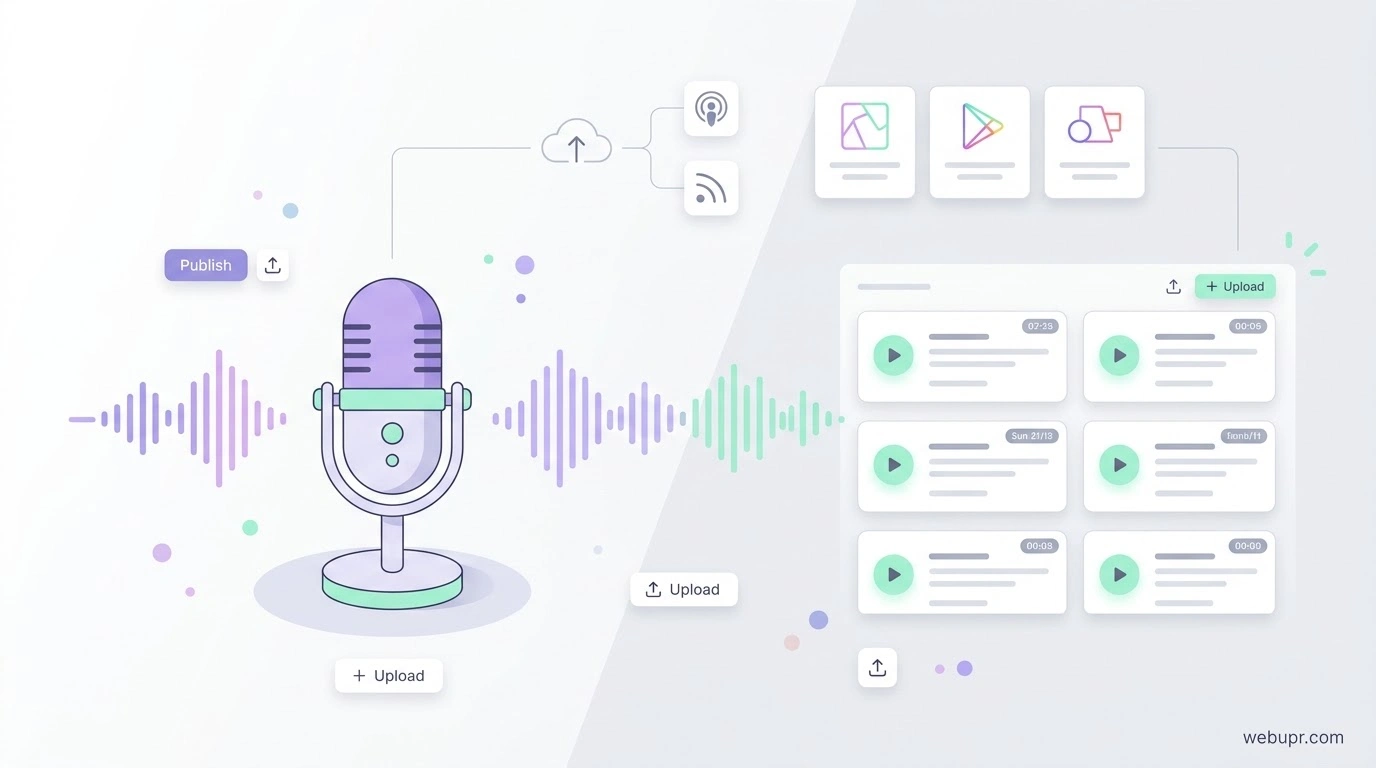
Starting a podcast feels like it should involve a complicated set of tools. In reality, most shows depend on one simple idea. You record your audio, upload it to a hosting service, and that service gives you a feed. Podcast apps read the feed and show your episodes to listeners.
Anchor is one of the best known names in this space. It was built to make podcasting easy for beginners, and it has become part of Spotify for Creators. This guide explains how podcast hosting works, what to look for in a host, and how to avoid the common mistakes new podcasters make.
What a Podcast Host Actually Does
A podcast host stores your audio files and creates an RSS feed. That feed is a structured list of your episodes, with titles, descriptions, artwork, and links to the audio. Directories and apps such as Apple Podcasts and Spotify pull from that feed to list your show.
This means you do not upload your show to each app separately. You publish once to the host, and the host keeps the feed up to date for every platform that reads it.
Why Anchor Appeals to New Podcasters
Anchor keeps the setup simple. You can record directly in the app, add music, and publish without much technical knowledge. For someone who has never run a show before, that simplicity matters a great deal.
Check the current features and terms on the official Spotify for Podcasters site, because the tools and policies for creators change over time.
Other Things to Look For in a Host
Beyond ease of use, a good podcast host should give you reliable uploads, a feed that updates quickly, and clear analytics so you know how many people listen. Check whether the host lets you move your show elsewhere later, since you will want to keep your back catalogue and feed address if you change providers.
Look at storage and bandwidth limits, too. A host that works well for a few episodes may struggle once you publish weekly for a couple of years.
Audio Quality and File Size
Good audio matters more than fancy design. A clear voice recorded in a quiet room will keep listeners longer than a polished show with poor sound. Use a decent microphone, record in a calm space, and export episodes at a sensible bitrate so files stay manageable.
Large files can slow down downloads for listeners, so balance quality against size. Test a short episode before you commit to a full recording setup.
Your Feed Address Is Important
Your RSS feed address is how apps find your show. Once listeners and directories have it, changing it can cause problems. Choose a host you expect to keep, and check how the host handles feed moves if you ever need to switch.
Keep a Website Alongside Your Show
A simple website gives your podcast a home. It can hold show notes, episode transcripts, contact details, and links to subscribe. It also helps people find you through search. Our guide on best hosting for small websites explains what a basic site needs from a host.
If your show includes lots of artwork or photos, our article on free web hosting for pictures covers the trade-offs of storing images with free services.
Analytics and What They Really Mean
Download numbers are useful, but they are not the whole story. Look at how many people finish episodes, which topics bring new listeners, and where listeners drop off. Those signals tell you more about what to make next than raw download counts.
Remember that different platforms report differently, so compare trends rather than exact figures.
Monetisation Comes Later
Many new podcasters think about earnings too early. Focus first on consistency, audio quality, and a clear topic. Sponsorship and paid programmes usually depend on having a steady audience, which takes time to build.
Plan Your Publishing Schedule
Decide how often you can realistically publish, then stick to it. A regular schedule helps listeners know when to expect new episodes, and it stops you from burning out after a burst of enthusiasm. Weekly or fortnightly is a sensible starting point for most people.
A Simple Checklist Before You Start
Choose a host with a simple setup and a feed you can keep. Check storage and bandwidth limits. Test your audio quality with a short episode. Write clear titles and descriptions. Add cover art that is readable at small sizes. Set a publishing schedule you can keep. Build a simple website for show notes and contact details.
The Bottom Line
Podcast hosting is about storing your episodes and publishing a reliable feed that apps can read. Anchor makes that process very approachable for beginners. Whichever host you choose, focus on clear audio, a steady schedule, and a feed you can keep for years.
To learn more about getting your show onto directories and managing it, visit the Spotify for Podcasters website.