Bedrock Servers Are Built for Mixed Groups
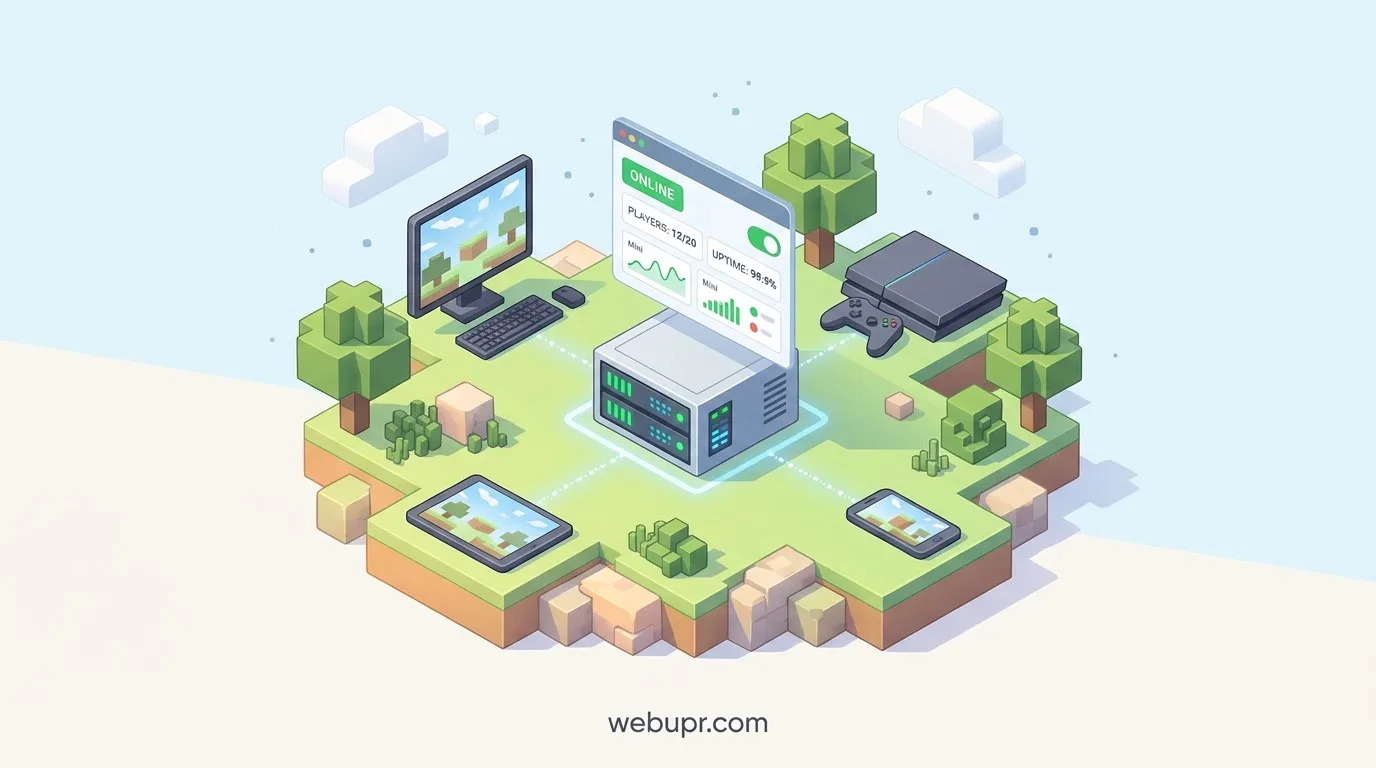
Minecraft Bedrock Edition runs on phones, tablets, consoles, and Windows PCs. That is its biggest strength. A group can log in from whatever device they have, and everyone can play in the same world without fuss.
Hosting a Bedrock server is different from hosting a Java server in a few important ways. Players connect through a different system, certain plugins and mods work differently, and the people on your server may be on very different devices. This guide covers what to plan for so the server works smoothly for everyone.
Bedrock and Java Are Not Interchangeable
Java Edition and Bedrock Edition are separate versions of the game. They use different server software, different mod and plugin ecosystems, and different connection methods. A Bedrock server will not accept Java players, and the reverse is also true.
Decide which edition your group actually plays before you choose a host. If you need cross-platform play across phones and consoles, Bedrock is usually the right choice. If you want heavy modding on a PC, Java may suit you better.
Who Will Be Joining
Bedrock groups tend to be mixed. A few players might be on mobile, others on Xbox, Switch, or a Windows PC. Each device has its own limits. A phone on a weak connection will feel lag differently from a desktop on fibre.
Ask your group what devices they use before you build anything. That answer shapes your expectations for performance and for which add-ons will work for everyone.
Choose a Plan With Enough Headroom
Bedrock servers can run well on modest hardware for small groups, but player count and world size still matter. Plan for the number of people who will actually join, then leave some room for busy evenings. A world that grows with large builds and farms will need more memory over time.
If you are comparing plans, our guide on cheapest Minecraft hosting explains what different price points usually deliver in terms of player slots and performance.
Check Connection and Port Details
Bedrock servers use a different connection setup from Java servers. Your host should give you a clear address and port, and it should explain how players add the server to their list. Test the connection from more than one device before inviting everyone, because a server that works from a PC can still cause trouble for a console player.
Server Software and Updates
Bedrock servers receive regular updates, and players on the newest client version may be unable to join an out of date server. Ask how your host handles updates, whether it offers a version switch, and how quickly it applies new releases.
Before any update, back up your world. Update the server, then ask one or two players to check they can still join before the rest of the group logs in.
Add-ons and Behaviour Packs
Bedrock supports add-ons and behaviour packs, but they need care. Packs must match the server version, and some may not work on every device. Keep your pack list short, test each one on a private world first, and tell players which packs are required so nobody gets stuck at the login screen.
Check whether your host supports the packs you want before you commit. Some hosts make this easy, and others leave you to manage the files yourself.
Permissions and Admin Tools
Bedrock servers give you control over who can build, break, and use commands. Set permissions before players join, and keep operator access limited to people you trust. Decide early how you handle griefing and disputes, so you are not making calls in the middle of a row.
Backups Keep the World Safe
A Bedrock world can hold months of building and exploration. Check whether the host runs automatic backups, how often, and how long they are kept. Ask how you restore one, and whether you can do it yourself without waiting for support.
Download your own copy of the world occasionally, especially before big changes such as an update or a new add-on.
Location and Latency
Pick a server location close to most of your players. Mobile connections can be less stable than home broadband, so a nearby server helps even more for phone players. If your group is spread across regions, test the connection with a few people before committing.
Keep Costs in Check
Check the renewal price, not just the first month. Look at whether backups, extra player slots, or storage cost extra. A plan that looks cheap can become expensive once you add what you actually need.
If you are looking at discounts, our article on Bisect Hosting promo codes explains how to verify genuine offers and compare the real monthly cost.
Judging Any Minecraft Host
The same checks apply whichever edition you pick. Our guide on judging a Minecraft host before you pay walks through player slots, hardware, backups, and support questions to ask any provider.
Test With a Small Group First
Before opening the server to the whole group, invite a few players on different devices. Run a session with phones, consoles, and PCs all in the same world. Watch for connection problems, pack conflicts, and any device that struggles. Small tests catch problems before the whole group is affected.
A Simple Checklist Before Launch
Confirm your group is playing Bedrock, not Java. List the devices your players use. Choose a plan with headroom for your player count. Check the connection details and test from several devices. Agree on update timing and back up before each change. Keep the add-on list short and tested. Set permissions and admin access. Confirm backups and restore steps. Test with a small group first.
The Bottom Line
A Bedrock server works best when it fits a mixed group. Pick a plan with enough headroom, test the connection on every device your players use, keep updates and add-ons under control, and protect the world with backups. Get those right and players can join from whatever device they own and spend their time building together.
For official Minecraft news and game information, visit the official Minecraft website.