Apex Hosting Is One Option Among Many, So Judge It on Your Needs
Minecraft hosting is a crowded market. Every provider promises fast servers, easy setup, and friendly support. When you are looking at a name like Apex Hosting, the real question is not what the advertising says. It is whether the plan fits your group, the game version you want to run, and the way you like to play.
This guide shows you how to evaluate a Minecraft host like Apex, what to check before you pay, and how to avoid the common traps that catch first time server owners.
Start With the Type of Server You Want
Minecraft servers come in several flavours. Vanilla survival is the simplest. Paper and Spigot servers add performance improvements and plugin support. Modded servers, using Forge or Fabric, add new content but need much more memory and processing power.
Decide which one you want before you look at prices. A plan that runs a small vanilla world comfortably may struggle badly with a modpack, even with the same player count.
Count Your Players, Then Add Headroom
Player count is the next big factor. Plan for the number of people who will actually join, then leave some room for busy evenings and weekends. A server that feels smooth with five players can start to stutter once fifteen people log in and start building farms.
If you are still deciding how big your group will be, our guide on cheapest Minecraft hosting explains what different price points usually deliver in terms of player slots and performance.
Check the Hardware Honestly
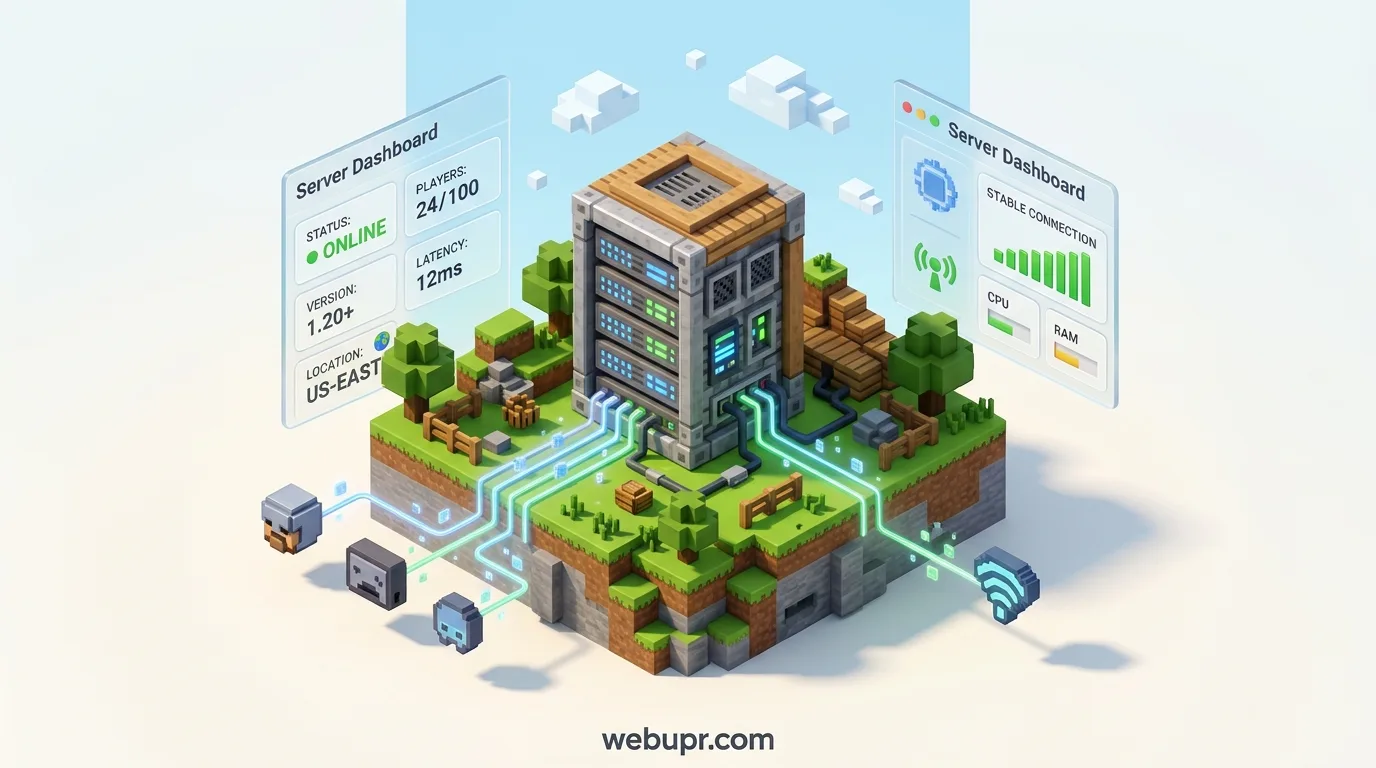
Good Minecraft hosting depends on memory, processor speed, and how many other servers share the same machine. Look for a host that tells you what it allocates to your plan. Vague wording such as powerful servers with high performance tells you very little.
Ask about the processor and the memory guarantee. A host that answers those questions clearly is usually a safer bet than one that hides behind marketing language.
Look at the Control Panel
You will spend time in the control panel, so it should be easy to use. Check whether you can install plugins or mods, change the server version, edit settings, and manage players without digging through confusing menus.
Many hosts offer a one click setup for common server types. That is a real time saver, especially if you are setting up a server for the first time.
Backups Are Not Optional
A Minecraft world can represent hundreds of hours of building and exploring. Losing it is painful. Check whether the host runs automatic backups, how often they happen, and how long they are kept. Find out whether you can restore a backup yourself, or whether you need to wait for support.
It is also worth downloading your own copy of the world from time to time, especially before big changes such as a version update or a new plugin.
Location and Lag
Minecraft is more forgiving than some games, but lag still spoils the experience. Pick a server location close to most of your players. If your group is spread across countries, test the connection with a few friends before committing.
Plugins and Version Updates
Plugins add features but they also add load and can conflict with each other. Keep your plugin list short and test new ones on a private copy first. When Minecraft releases an update, check that your plugins support the new version before you upgrade the live server.
Ask the host how it handles version changes and whether it helps if something breaks after an update.
Support Matters When Something Breaks
Servers rarely fail at convenient times. When the world will not load on a Saturday night, you want a support team that answers quickly and explains what went wrong. Send a simple pre-sales question and see how clearly the team replies. That first impression often predicts how they will handle a real problem.
Pricing: Watch the Renewal and the Extras
Check the renewal price, not just the first month. Look at whether backups, extra player slots, or extra storage cost more. A plan that looks cheap can become expensive once you add the things you actually need.
If you are looking at discounts, our article on Bisect Hosting promo codes explains how to verify genuine offers and compare the real monthly cost.
Test Before You Commit
If the host offers a trial, a refund window, or a short monthly term, use it. Run a real session with a few friends, build something, test a few plugins, and check how the server behaves at busy times. A few hours of testing will tell you more than any marketing page.
Other Game Servers Follow the Same Rules
The same checks apply across games. Our guides on affordable Minecraft server hosting and ARK server hosting look at memory, backups, and renewal prices in the same way.
A Simple Checklist Before You Pay
Decide your server type and game version. Estimate your peak player count and add headroom. Ask what hardware your plan gets. Check the control panel for mods, plugins, and version changes. Confirm backups and restore steps. Pick a location close to your players. Check the renewal price and any extras. Test with a few friends before you invite the whole group.
The Bottom Line
Apex Hosting, like any Minecraft provider, should be judged on the things that affect your group every day: stable performance for your player count, a control panel that makes plugins and updates easy, backups you can restore, a location close to your players, and support that answers quickly. Match those needs to a plan, test it properly, and the server can spend its time on builds and adventures instead of troubleshooting.
For official Minecraft news and game information, visit the official Minecraft website.