
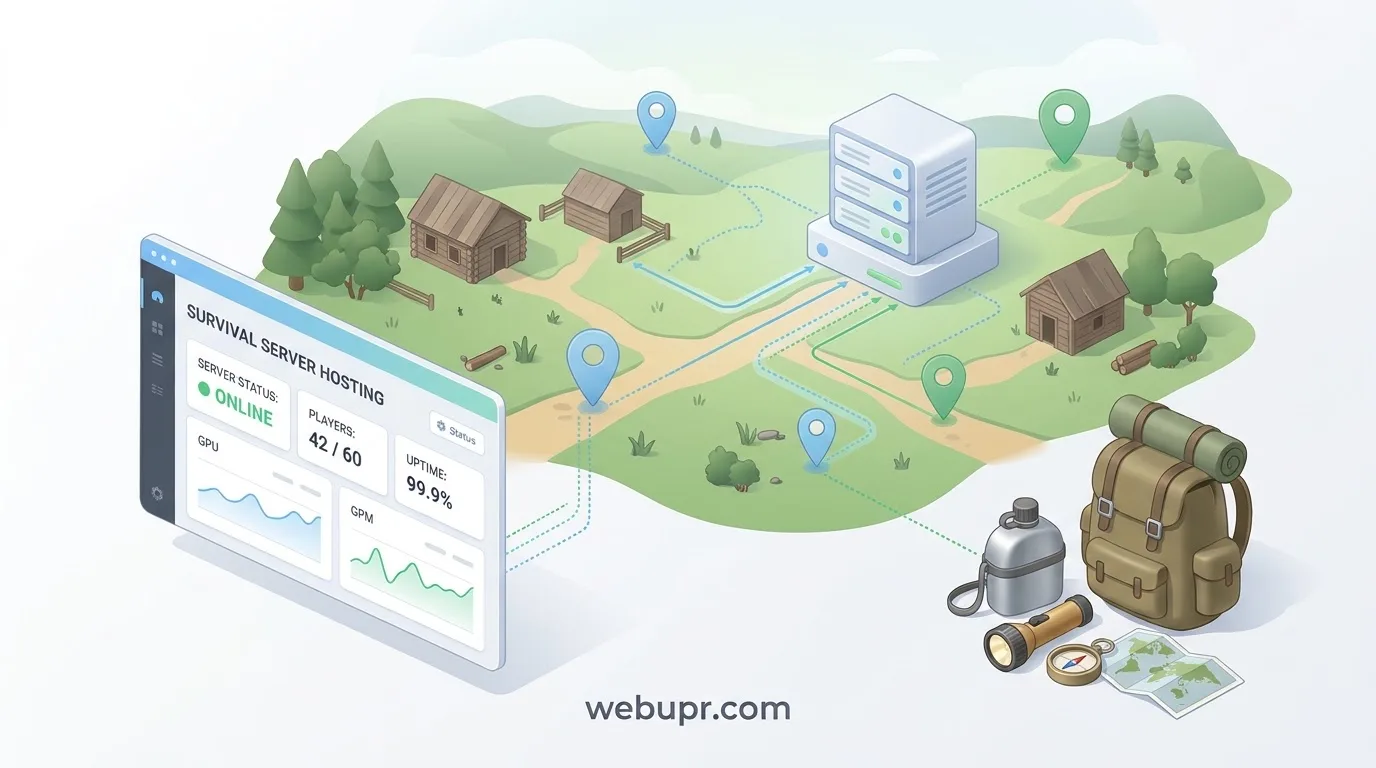
DayZ Is Unforgiving, and the Server Has to Keep Up
DayZ is a survival game where every trip into the wild carries risk. Food, water, gear, and other players all matter, and a single bad decision can end a long session. That tension is exactly what draws people in, and it is also why a poorly run server can ruin the experience quickly.
Hosting a DayZ server is less about flashy features and more about stability. Players need the server to stay online, respond quickly, and keep their progress intact. This guide covers what to plan for, where costs tend to creep up, and how to set up a server your group will want to keep coming back to.
Decide What Kind of Server You Want
Before you think about hardware, decide what you are building. A private server for a handful of friends has very different needs from a public server with a steady stream of strangers. Some groups want a hardcore experience with strict rules. Others want a relaxed server focused on building and social play.
Your answer shapes everything else, including player count, admin workload, and how much you need to moderate. Write it down before you choose a plan.
Player Count and Peak Times
Plan for your busiest moments rather than your average. A server that feels smooth with five players on a quiet weeknight can struggle when twenty people log in on a Saturday evening.
Be realistic about your first few months. A small, steady group is easier to host well than a large community that arrives all at once and then disappears.
Memory and CPU Matter Most
DayZ servers are sensitive to processor performance and available memory. The game world is large, and the server has to track players, zombies, loot, and physics across that space. When resources run short, players notice stuttering, delayed actions, and rubber-banding.
Choose a plan with memory and CPU that fit your planned player count, with some headroom for growth. Treat the minimum requirement as a floor, not a target.
Mods and Map Choices
Mods can transform a DayZ server, but they also add load and create compatibility issues. Keep your mod list short at the start. Test each new mod on a private copy before you add it to the live server, and make sure everyone is running the same version.
Map choice matters too. Larger or more detailed maps ask more of the server. Pick a map your hardware can handle comfortably, and remember that changing maps later can reset progress for players.
Restarts and Stability
Long uptimes can build up problems over time. Schedule regular restarts at a quiet hour, and tell your players when they will happen. A planned restart at four in the morning is far better than an unexpected crash in the middle of a fight.
Watch for patterns. If the server tends to slow down after a certain number of hours, adjust your restart schedule to match.
Backups and Player Progress
Player characters, bases, and loot are the heart of a DayZ community. Losing them can end a server quickly. Check that your host runs automatic backups and that you can restore one without waiting days for support.
Keep your own copy of important files when you make big changes, such as a mod update or a map change. A backup you control is the best protection you can have.
Server Location and Connection Quality
DayZ rewards quick reactions, so lag is more than a minor annoyance. Choose a server location close to most of your players. If your group is spread across regions, test the connection before committing and pick the location that works best for the majority.
Admin Rules and Community Standards
Decide your rules before the server opens. Cover what counts as cheating, how you handle disputes, whether base raiding is allowed, and how bans work. Clear rules prevent a lot of arguments and make the admin job much easier.
Keep admin access limited to people you trust, and change passwords when someone leaves the group.
Keeping Costs Under Control
Start with a plan that fits your group and upgrade when you feel real limits. Check the renewal price, not just the first month. Remove mods and features that do not add enough value to justify the resources they use.
Budgeting works the same way across game servers. Our guide on FiveM server hosting on a budget covers similar planning questions, and our article on ARK server hosting explains how memory and CPU needs grow over time.
Survival Games Have a Lot in Common
If your group also plays survival games, the same principles apply. Our earlier guide on Valheim server hosting looks at keeping a world stable and protecting player progress, and those lessons carry over well to DayZ.
A Simple Setup Checklist
Decide whether the server is private or public. Estimate your peak player count and choose a plan with headroom. Keep the mod list short and test changes first. Schedule regular restarts. Confirm backups and restore steps. Pick a location close to your players. Write your rules and share them with everyone.
Do these things before launch and your server will spend its time on survival stories instead of technical problems.
The Bottom Line
A good DayZ server is built on stability, enough memory and CPU for your real player count, careful mod choices, reliable backups, and clear community rules. Get those right and the harsh world of DayZ can do what it does best, which is create the stories your group will talk about for months.
For official game news and updates, visit the official DayZ website.