ARK Is Big, and That Changes How You Host It
ARK is not a small game. Maps are large, creatures take up a lot of space, and bases can sprawl over time. A group that starts on a quiet island can end up with dozens of tamed creatures, several storage areas, and a growing list of things the server has to track.
That size is part of the fun, but it also means the server needs to be planned properly. Affordable hosting is possible. Fast hosting is possible too. The trick is knowing where you can save money and where you cannot.
What Affordable Really Means Here
Affordable does not mean the lowest price on the page. It means a plan that fits your group size, runs smoothly for the length of your playtime, and does not cost you more in fixes and frustration than you saved on the monthly bill.
A cheap plan that struggles once the map fills up is not affordable at all. Think about the total cost over a few months, including upgrades you may need later.
Start With the Map and Your Group Size
Different ARK maps put different loads on the server. Larger maps and heavily populated areas can demand more memory and CPU. Count your players honestly, including the friends who say they will join later.
Size the plan for your likely peak, then leave a little room to grow. Upgrading in the middle of a busy week is never fun.
Memory Is the Number to Watch
ARK servers tend to use a lot of memory, and that usage climbs as the world fills up. A server that feels fine on day one can start stuttering after a few weeks of building and taming.
Choose a plan with enough RAM for your group and some extra headroom. Check whether the host lets you see live memory usage, because that makes it much easier to spot a problem before players notice it.
CPU and Single Core Speed
ARK relies heavily on processor performance, particularly the speed of individual cores. Many players and creatures in one area can lead to noticeable slowdowns if the processor is not fast enough.
Ask the host what CPU your plan uses. Vague answers are a warning sign. A provider that is confident about its hardware will usually tell you plainly.
Fast Setup Matters Too
Nobody wants to wait a day for their server to be ready when the group is eager to start. Look for hosts that let you deploy in minutes and offer a simple control panel for choosing the map, setting the name, and adding mods.
A fast setup is only useful if the server stays stable afterward. Test the connection with a couple of friends on the first evening, and keep notes on anything that feels off.
Mods and Updates
If your group wants mods, check that the host supports them and that installing them is straightforward. Mods add load, so a server that handles vanilla comfortably may need more resources once the mod list grows.
Updates are a regular part of ARK life. Ask how the host handles them, and back up your save before any update. Mismatched versions cause connection problems that can waste a whole session.
Backups and Save Safety
ARK saves can become large and valuable quickly. A tamed creature you raised for weeks is hard to replace. Make sure your host runs automatic backups and that you can restore one without opening a support ticket and waiting.
Download a copy of your save occasionally, especially before big changes. A personal backup you control is the best safety net you can have.
Latency and Server Location
Lag makes ARK frustrating fast, especially during combat and taming. Choose a location close to most of your players. If your group is spread across regions, test the ping before committing and pick the location that works best for the majority.
Keeping Costs Under Control
Start with a plan that comfortably fits your group, then upgrade only when you actually feel the limits. Check the renewal price before you sign up, especially if you are tempted by a first month discount.
If you are looking for savings, our article on Bisect Hosting promo codes explains how to verify real offers and compare the true monthly cost.
Lessons From Other Game Servers
Many of the same principles apply across games. Our guides on Palworld server hosting and Valheim server hosting cover memory, backups, and group rules in more depth.
The core idea stays the same. Plan for growth, protect your saves, and choose a location your players can reach comfortably.
A Quick Checklist Before You Launch
Count your players and plan for the peak. Choose a plan with memory headroom and a strong CPU. Confirm backups run automatically and that you can restore one. Pick a location close to your group. Agree on mods and settings before the first session. Note the renewal price.
Do this and your server will spend its time being fun instead of being fixed.
The Bottom Line
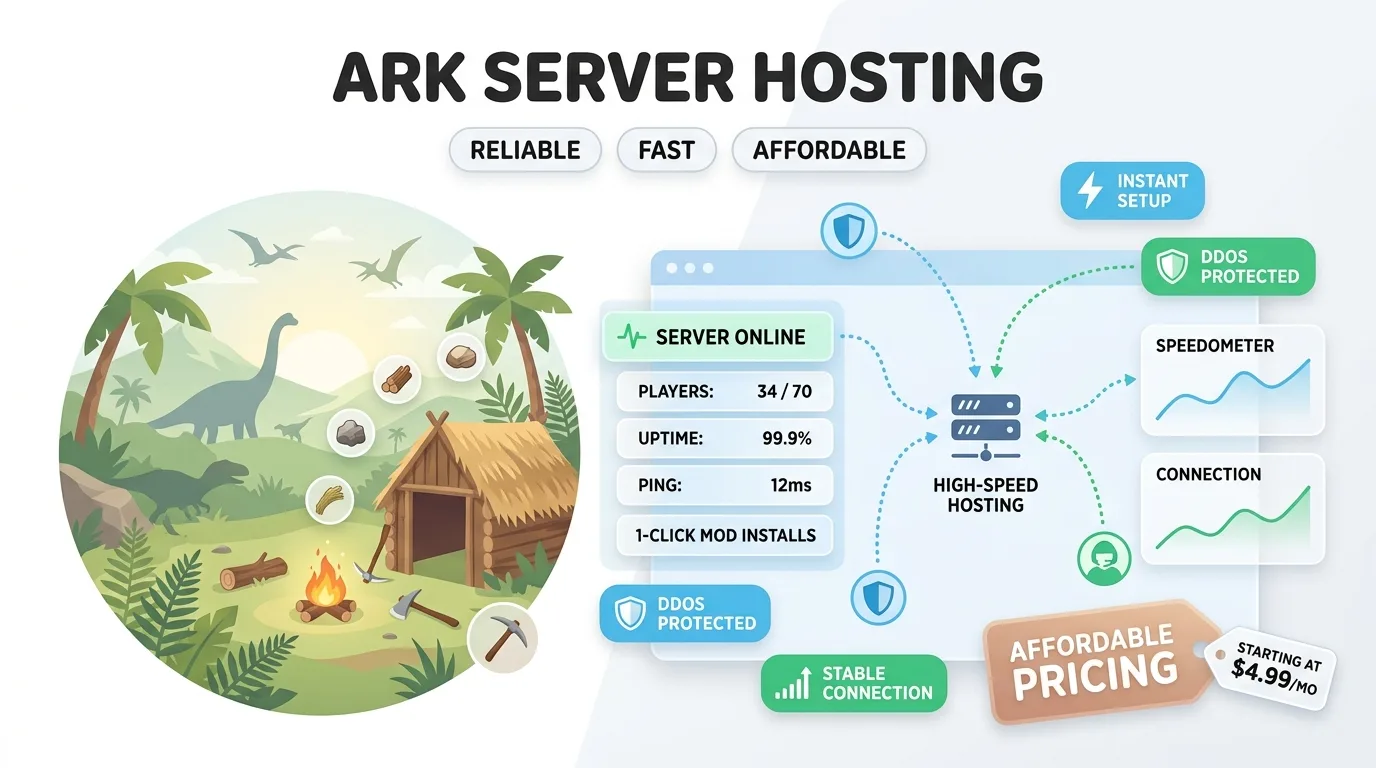
Affordable ARK hosting means matching the plan to your group, watching memory and CPU, protecting your saves, and keeping an eye on the total cost over time. Fast hosting means a quick setup and a stable connection once your players arrive.
Get those right and you can spend your evenings taming, building, and exploring with the people you started the game with.
For official game news and updates, visit the official ARK website.